
Introduction
In this guide, you’ll learn exactly how to order save the date cards on Zazzle without any confusion.
Order save the date cards on Zazzle . This is one of the first exciting steps in your wedding planning journey. It’s your chance to officially announce your big day and create a lasting first impression on your guests.
If you’re planning to use Zazzle for your wedding stationery, you’re making a smart choice. Zazzle offers high-quality printing, complete customization, and worldwide delivery.
In this detailed guide, I’ll show you exactly how to order save the date cards on Zazzle, step by step — even if you’re a beginner.
This guide is specially created for couples who want beautiful, stress-free, and affordable wedding stationery.
Affiliate disclosure / This article contains affiliate links. If you click on these links and make a purchase, I may earn a small commission at no extra cost to you. These commissions help support Dirty Fever and allow me to continue creating helpful wedding planning content and premium designs.
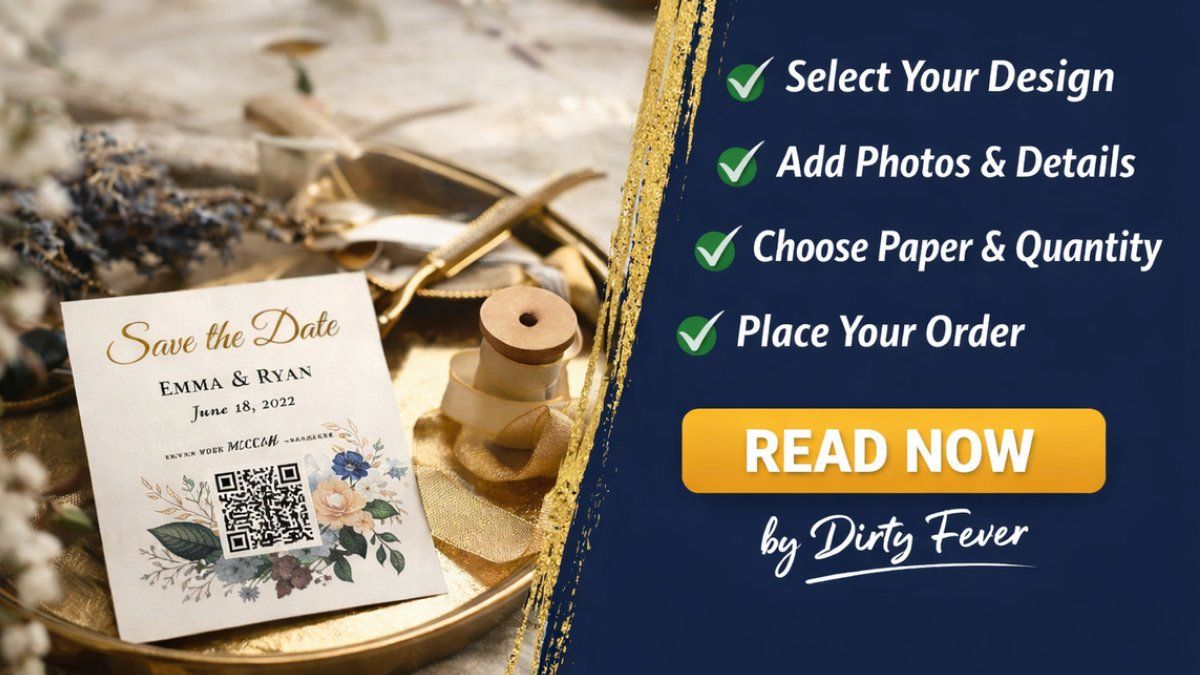
Why Choose Zazzle for Save The Date Cards ?
Before placing your order, let’s understand why Zazzle is trusted by millions of couples worldwide.
High-Quality Printing
Zazzle uses professional-grade printers and premium cardstock. Your cards will look sharp, colorful, and elegant.
Easy Customization
You can personalize everything online without any design skills.
Affordable Options
From budget-friendly to luxury designs, there’s something for every couple.
Worldwide Shipping
Perfect for destination and international weddings.
Step-by-Step Guide ( How To Order Save The Date Cards On Zazzle )
Follow these simple steps to place your order smoothly.
Step 1: Choose Your Favorite Design
Start by selecting a design that matches your wedding theme.
Look for :
- Colors that match your decor
- Fonts that are easy to read
- Layout that highlights your names and date
👉 Recommended Collection:
Top 10 Zazzle Save The Date Cards by Dirty Fever
Step 2: Click the “Customize” Button
Once you select a design:
- Click on ( Personalize This Design )
- The editor will open
- You’ll see editable text and image areas
This is where your personalization begins.
Step 3: Add Your Wedding Details
Now enter your important information
Basic Details
- Couple’s names
- Wedding date
- City/venue
- Wedding website (optional)
Photo Upload (If Applicable)
- Use high-resolution photos
- Avoid blurry images
- Natural lighting works best
QR Code Setup (If Available)
Link it to
- Wedding website
- RSVP page
- Google Maps location
This makes it easy for guests to access details.
Step 4: Customize Fonts, Colors & Layout
Zazzle allows you to:
- Change font style
- Adjust text size
- Edit colors
- Move elements
Pro Tip 🎯
Keep your design clean and readable. Avoid using too many colors or fancy fonts.
Step 5: Preview Your Design Carefully
Order Save the date cards on Zazzle , always preview your card.
Check for:
- ✅ Spelling mistakes
- ✅ Wrong dates
- ✅ Alignment issues
- ✅ Photo quality
- ✅ QR code working
Mistakes at this stage can be expensive later.
Step 6: Select Card Size, Paper & Quantity
Now choose Card Size:
- Standard postcard
- Flat card
- Folded card
Paper Type Options may include:
- Matte
- Glossy
- Premium cardstock
- Pearl finish
Quantity is most important:
- Order 10–15% extra for backup
- If you need 100 → Order 110–120.
I Hope you Understanding very well , How to Order Save the date cards On Zazzle
Only within a short time window. Contact support quickly.
Step 7: Check Delivery Time & Shipping
Before checkout:
- Review estimated delivery date
- Choose standard or express shipping
- Confirm address
Recommended Timeline ⏰
Order at least 8–10 weeks before sending date.
Step 8: Place Your Order Securely
Finally you are now Order Save the date cards on Zazzle
- Add to cart
- Review summary
- Enter payment details
- Confirm order
You’ll receive a confirmation email after purchase.
How Much Do Zazzle Save The Date Cards Cost ❓
Save the date Cards Prices depend on:
- Design type
- Paper quality
- Quantity
- Shipping speed
Average Range of the cards:
- Budget: $0.50 – $1 per card
- Premium: $1.50 – $3 per card
👉 Detailed Guide of Zazzle Save The Date Cards Pricing & Shipping Guide
Best Time to Order Save The Date Cards On Zazzle ⏰
Timing is very important So Ideal Schedule:
- Local Wedding / 6–7 months before
- Destination Wedding / 8–10 months before
- International Wedding / 9–12 months before
Early ordering = less stress / So Order Zazzle Save the date cards earlier
❌ Common Mistakes to Avoid When Order Save the date cards on Zazzle
Many couples repeat these mistakes. Avoid them.
- Ordering Too Late / Leads to rush fees and stress.
- Using Low-Quality Photos / Results in blurry prints.
- Ignoring Proofreading / Spelling errors look unprofessional.
- Wrong Quantity / Always order extras.
- Not Testing QR Code / Always scan before ordering.
Tips for First-Time Buyers 💡
If this is your first time and You Have to order Zazzle Save the date cards
- ✔️ Start early
- ✔️ Order samples
- ✔️ Ask family for review
- ✔️ Save final design
- ✔️ Keep order confirmation
These small steps save big problems.
FAQs / Frequently Asked Questions ❓
❓/ How long does Zazzle take to deliver?
Usually 7–14 days, depending on location and shipping options.
❓/ Can I edit my order after payment?
Only within a short time window. Contact support quickly.
❓ / Can I reorder later?
Yes, your design remains saved.
❓/ Are refunds available on Zazzle
Yes, if there is a printing or delivery issue.
❓ / Can i See Top 10 best Zazzle save the date cards
Yes, I have A full guide with photos of Top 10 Best Zazzle Save the date cards
💥 Top 10 Zazzle Save the Date cards here
Related Helpful Guides 📘
You may also find these useful Posts
👉 How to Add Photos & QR Codes to Zazzle Save The Date Cards
👉 Zazzle Save The Date Cards FAQs – Everything Couples Ask
About Dirty Fever
Dirty Fever is a creative wedding design brand founded by Me . My name is Magan Soni.
All guides and designs are created by me to help couples plan their weddings confidently, beautifully, and affordably.
Our mission is simple: 👉 Make your wedding journey stress-free and stylish.
Final Thoughts
Ordering personalized save the date cards on Zazzle is simple when you follow the right steps.
With proper planning, careful customization, and early ordering, you can create beautiful announcements that your guests will love.
Start early, stay organized, and enjoy the process — your wedding deserves it.
I hope you understand How to Order Save the date cards On Zazzle
You can explore more customization options directly on Zazzle’s official website Zazzle.com
Thanks for coming DirtyFever.com / Blog is written by ❤️ Magan Soni